IMAGE RESIZER · CONTROLLED FILE-SIZE CHECK
Same image dimensions, different file sizes: why?
Pixel dimensions describe the grid, not the number of bytes needed to store it. Two 1200 × 800 images can have different file sizes because their pixel patterns compress differently. The format and export settings also matter. Matching the width and height in an image resizer does not match the file size.
See the measured byte counts ↓One grid, three patterns
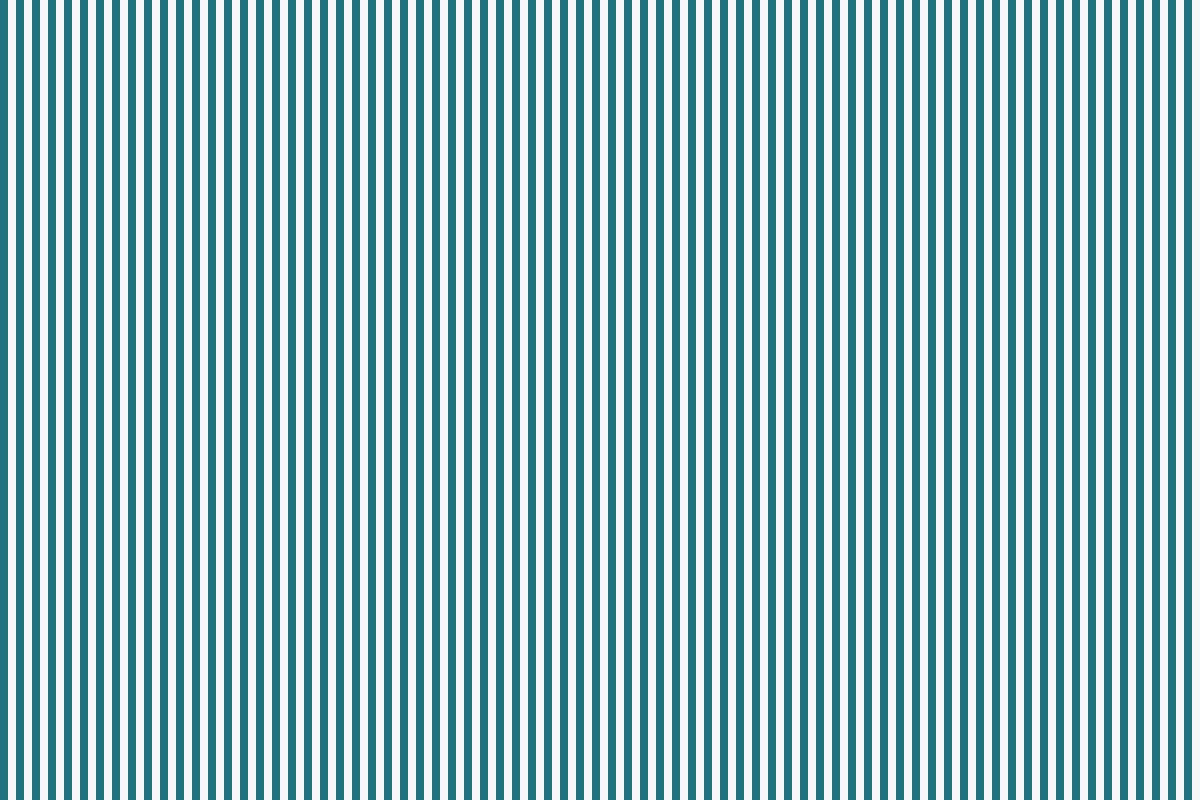
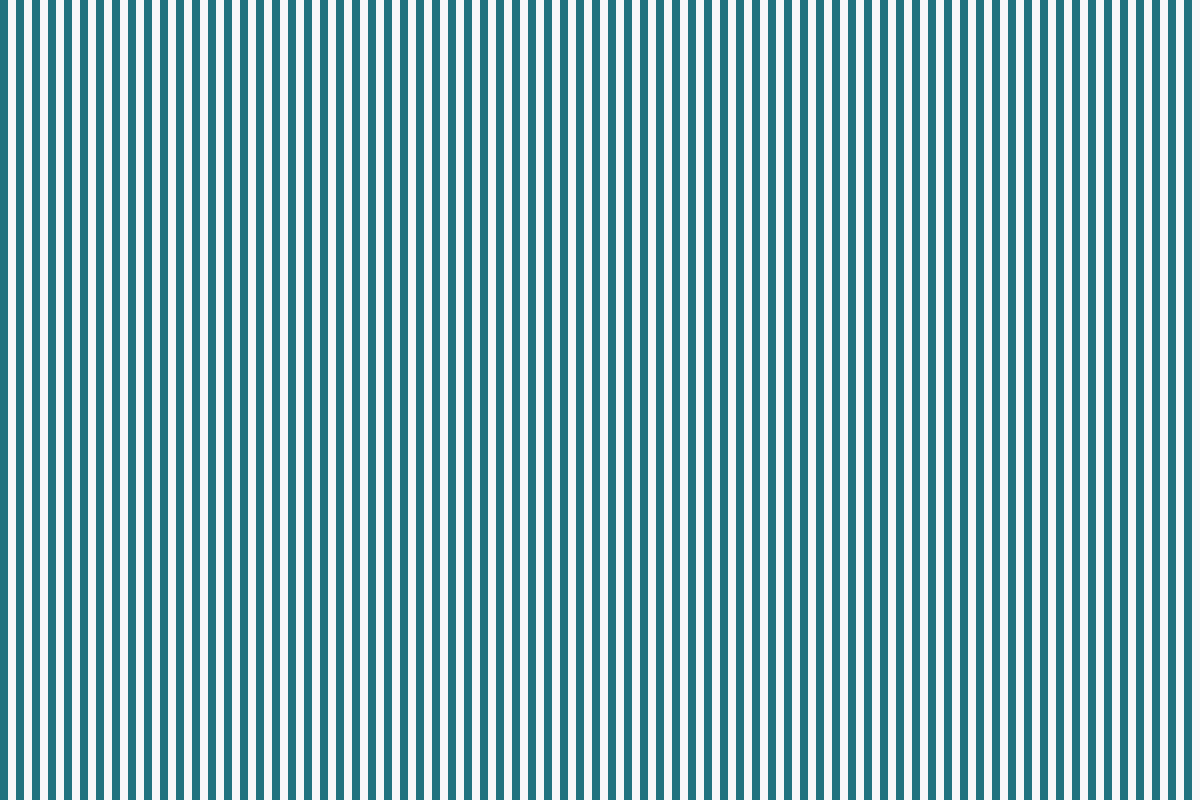
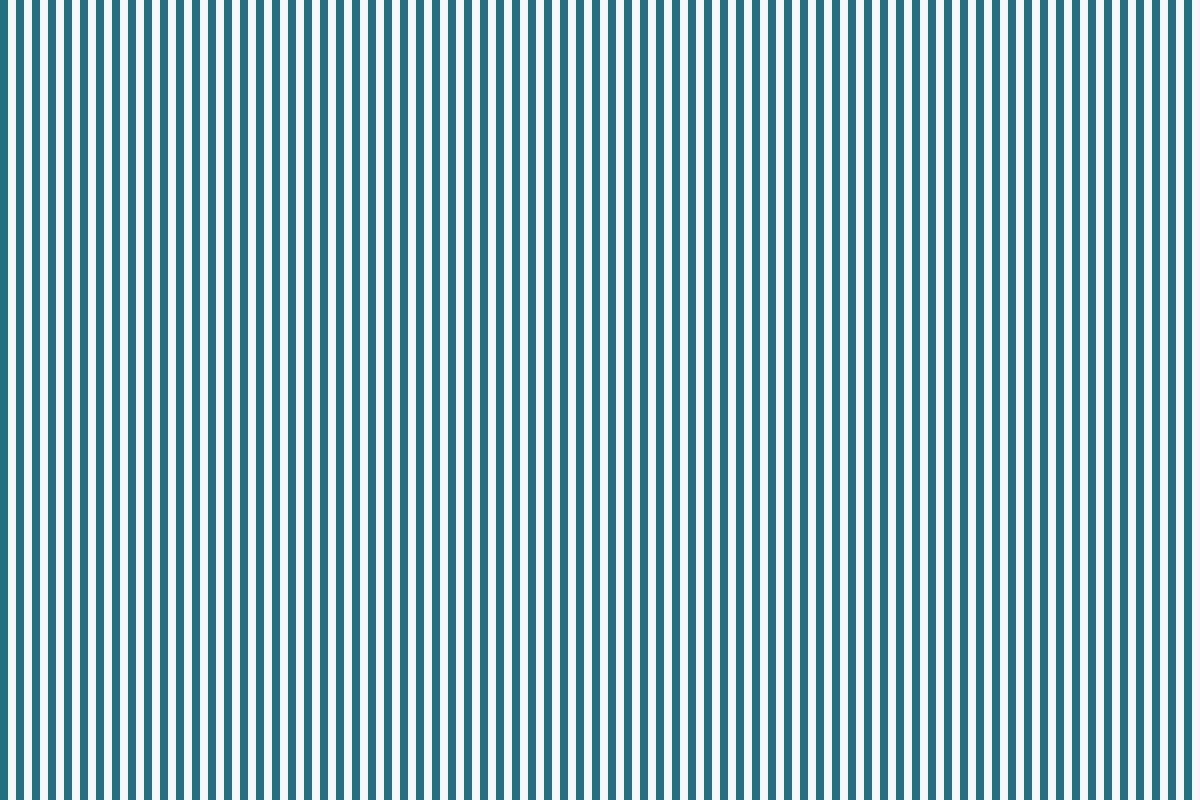
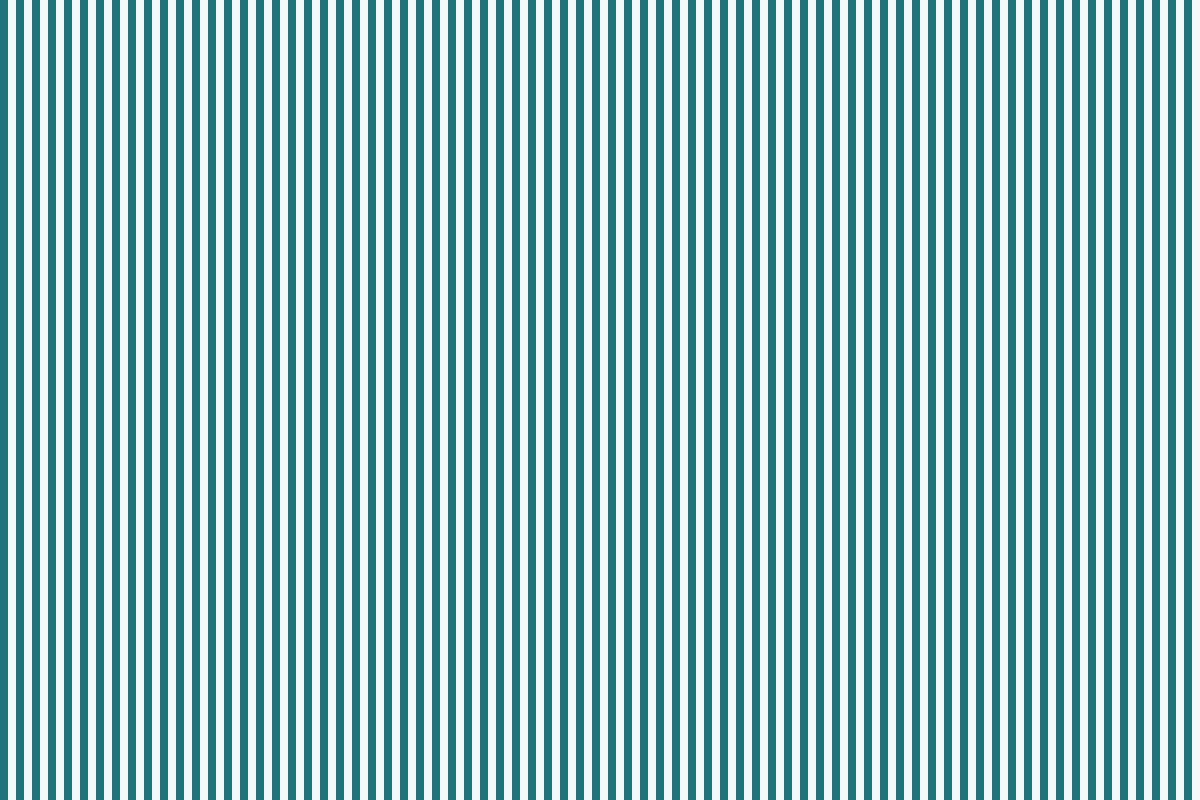
To isolate the difference, we made three RGB images with exactly 1200 columns and 800 rows: a flat teal field, alternating vertical stripes, and deterministic random noise. Each has three 8-bit color channels and the same uncompressed pixel-array size: 1200 × 800 × 3 = 2,880,000 bytes. This is the decoded pixel array, not a prediction of the saved file size.

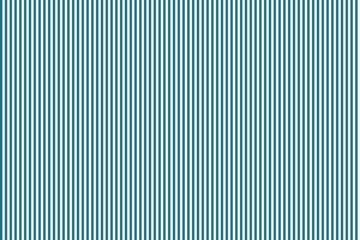

The small previews above illustrate the patterns; the downloadable test files in the table retain the full 1200 × 800 dimensions. We encoded each pattern as PNG at compression levels 0, 6 and 9, and as JPEG at quality 60 and 90. All inputs were fresh RGB arrays without intentionally added EXIF or ICC data. The noise generator used seed 20261029. We checked every output’s decoded dimensions, and checked that every PNG reproduced its input pixels exactly.
The measured files, in bytes
Each linked number downloads that exact file, so you can compare its dimensions and byte count yourself. The test used Pillow 12.3.0. JPEG used 4:4:4 sampling with optimization and progressive encoding turned off. These are controlled encoding results, not measurements of any online resizer.
| Pattern | PNG level 0 | PNG level 6 | PNG level 9 | JPEG quality 60 | JPEG quality 90 |
|---|---|---|---|---|---|
| Flat | 2,881,784 | 4,589 | 3,981 | 26,878 | 26,879 |
| Stripes | 2,881,784 | 4,631 | 4,009 | 71,875 | 94,375 |
| Noise | 2,881,784 | 2,884,438 | 2,884,867 | 943,391 | 1,794,990 |










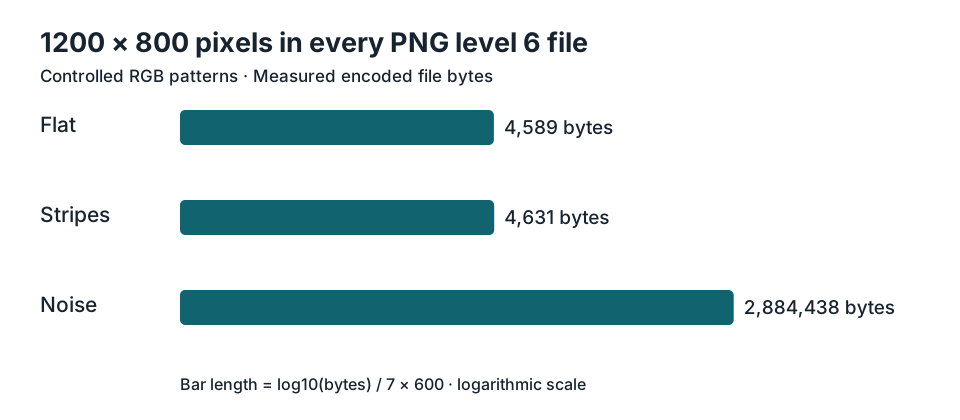
At PNG level 6, the flat file occupied 4,589 bytes and the noise file occupied 2,884,438 bytes. The ratio is 2,884,438 ÷ 4,589 = 628.55. Both images still have exactly the same number of rows and columns. That ratio describes these two synthetic files only; it is not a general compression promise.
More compression effort did not always make a smaller file
For the flat pattern, moving PNG from level 6 to level 9 changed the file from 4,589 to 3,981 bytes. For the noise pattern, the same change went from 2,884,438 to 2,884,867 bytes: it became slightly larger. A larger compression-level number is therefore not a guarantee of fewer bytes for every input. In this test, the decoded pixels of all PNG variants were unchanged.
The JPEG settings answer a different question. Our stripe pattern occupied 71,875 bytes at quality 60 and 94,375 bytes at quality 90, with identical dimensions in both cases. Unlike the PNG variants, these JPEG files did not reproduce every input RGB value exactly. A quality slider trades encoded detail against bytes; it does not change the pixel grid by itself. PNG compression levels and JPEG quality numbers are different controls and should not be treated as equivalent scales.
Check two files without uploading them
Choose your two images below. The checker reads their actual file byte counts and decoded dimensions locally in this browser. It compares neither perceived quality nor internal metadata. If the dimensions match but the bytes differ, it confirms the mismatch you are investigating without guessing what caused it in your particular files.
A useful pair to try is the flat PNG level 6 file and the noise PNG level 6 file from the table. The expected result is matching 1200 × 800 dimensions, 4,589 bytes versus 2,884,438 bytes. If a downloaded file reports another size, check whether the browser saved a preview or a different export before drawing conclusions.
What this experiment does and does not isolate
We held dimensions, RGB mode, bit depth and each named encoder setting constant when comparing patterns. We varied the pixel content. That makes content complexity a sufficient explanation for the byte differences in this controlled comparison. It does not prove that content is the only cause when your own images differ. They may contain other metadata or have been encoded with different settings. The three artificial patterns are controls, not representative photographs, and no visual-quality score was assigned.
Should I resize again to make both files equally small?
If the dimensions already meet your destination’s requirement, repeating a pixel resize is unnecessary for that requirement. Check the actual file-byte limit separately. Use a format and compression setting suitable for the content, then check the output. Identical dimensions can be the correct result even when one image needs many more bytes.
Does a bigger file mean a better picture?
No single file-size comparison establishes that. Two files may differ in content or encoding even at the same dimensions. Compare them at the intended viewing size rather than treating the larger byte count as a quality score.