IMAGE RESIZER / PRINT-SIZE METADATA
Why can the same pixels have different print sizes?
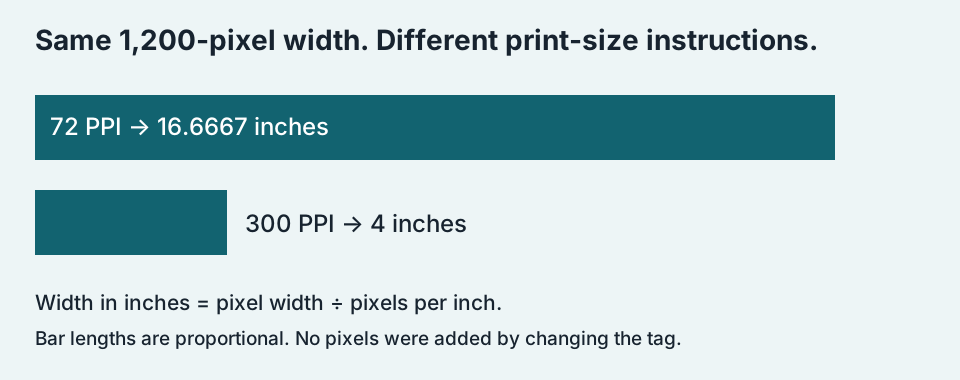
Pixel dimensions and print density answer different questions. A 1,200-pixel-wide image maps to 4 inches at 300 pixels per inch, or about 16.67 inches at 72 pixels per inch. Changing only a density tag does not add detail. A print dialog may override that instruction with its own fit-to-page or scaling setting.
Inspect three matching-pixel files ↓Read the two measurements separately
Width and height in pixels describe the image grid. Pixels per inch, or PPI, describes how that grid maps to a physical size. Some software labels this image-density setting DPI. Printer dots per inch is a separate device property; a density tag alone does not establish what a particular printer will do.
Three files, one decoded picture
We created one synthetic 1200 × 800 RGB pattern and exported it three times as JPEG with quality 90 and 4:4:4 sampling. The only changed export argument was the density: 72, 96 or 300. We reopened the saved files, checked the stored density and dimensions, and compared their decoded RGB arrays byte for byte. All three decoded arrays matched exactly. This compares the JPEG outputs to each other; it does not claim that JPEG preserved every pre-encoding source value.
| Stored density | Decoded pixels | File bytes | Calculated inches W × H | Download |
|---|---|---|---|---|
| 72 | 1200 × 800 | 99,964 | 16.6667 × 11.1111 | JPEG |
| 96 | 1200 × 800 | 99,964 | 12.5000 × 8.3333 | JPEG |
| 300 | 1200 × 800 | 99,964 | 4.0000 × 2.6667 | JPEG |
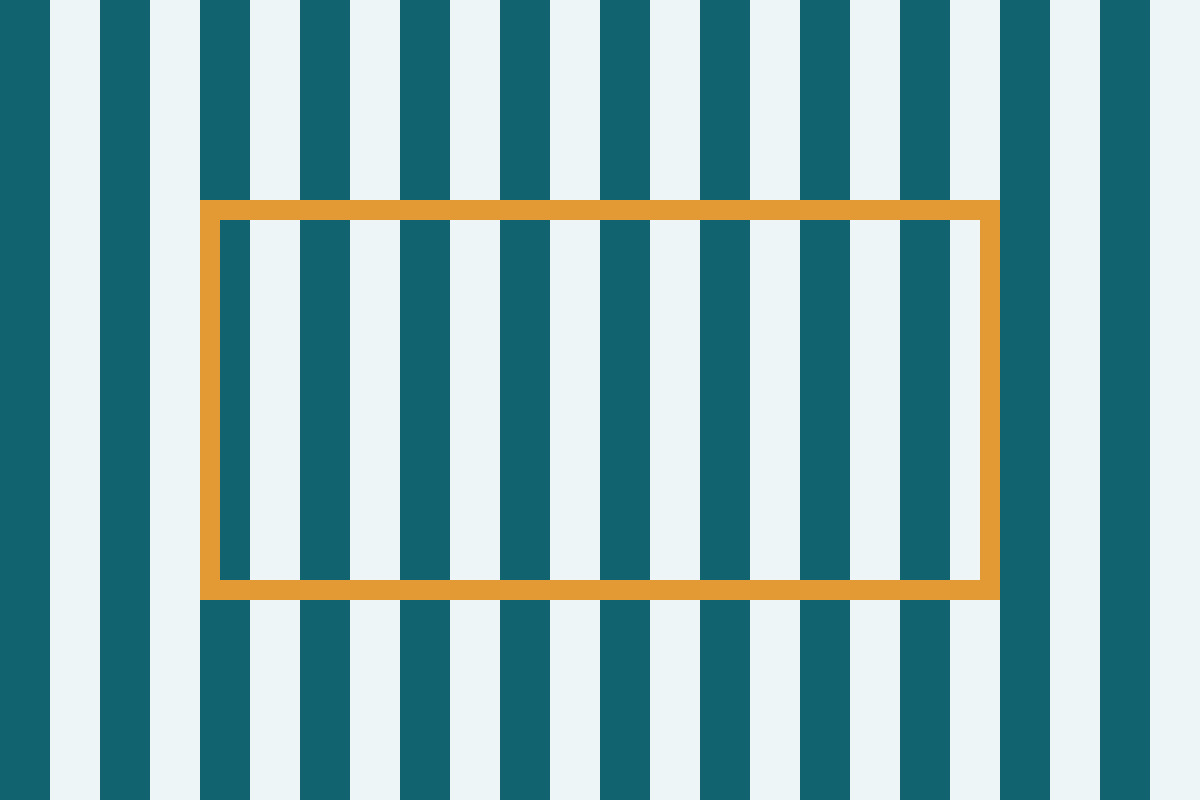
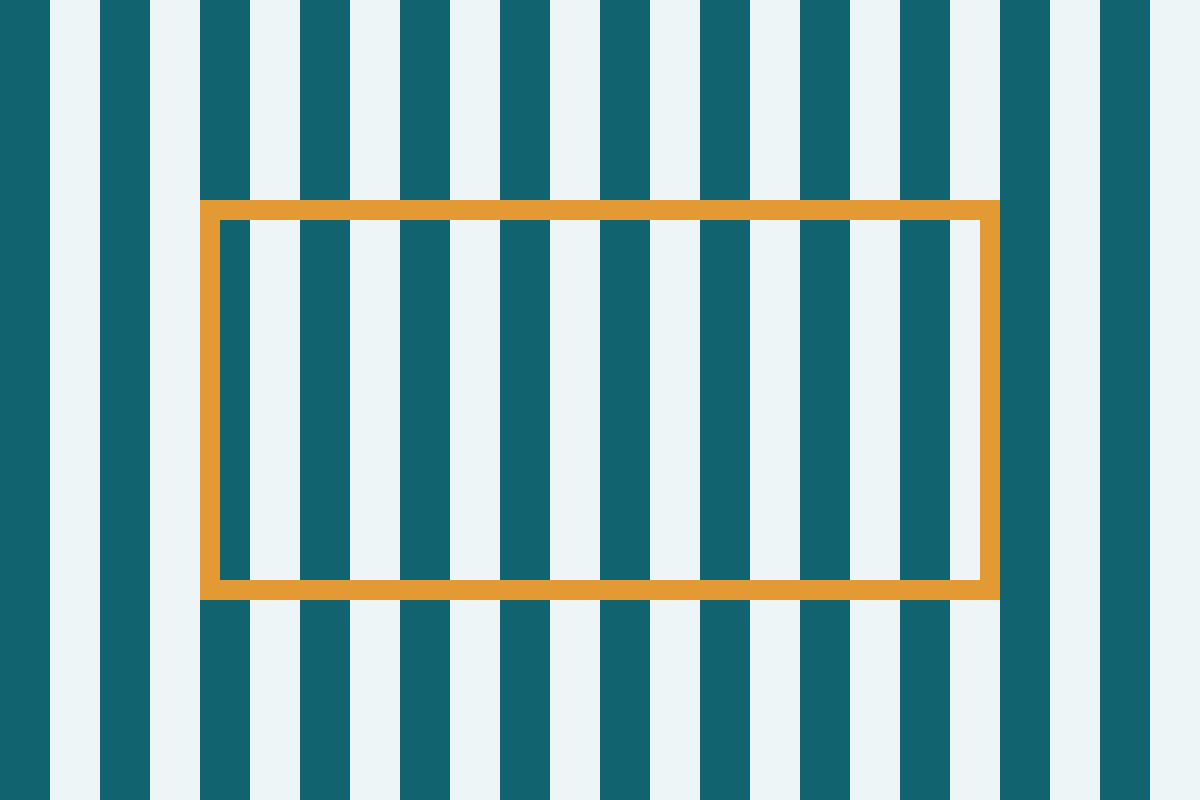
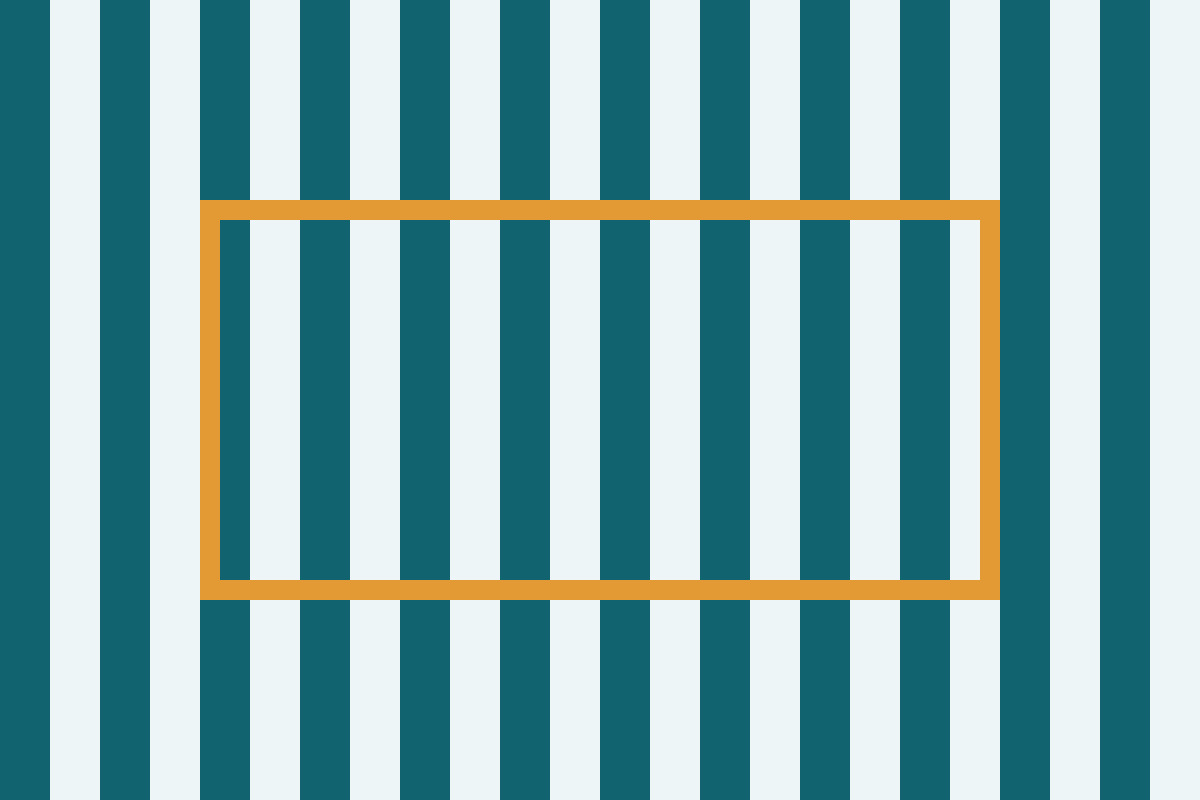
Download the files and inspect them at the same pixel zoom. The patterns have the same decoded pixels even though their density metadata differs. The inch values in the table are calculations using the stored density; they are not measurements from a printout or predictions of every application’s default print layout.
Reproduce the arithmetic
For the 300-density file, width is 1200 ÷ 300 = 4 inches and height is 800 ÷ 300 = 2.6667 inches, rounded to four decimal places. For the 96-density file, width is 1200 ÷ 96 = 12.5 inches. For the 72-density file, width is 1200 ÷ 72 = 16.6667 inches. In all three divisions the numerator stays fixed. The changed denominator explains the changed physical-size instruction without requiring any new image samples.
A fixed print width changes the question
If the same 1200-pixel image is placed at a fixed width of 6 inches, the effective density is 1200 ÷ 6 = 200 PPI, regardless of which of our three tags it carried. At 4 inches, the effective density is 300 PPI. This is a placement calculation, not a recommendation that either number guarantees acceptable quality. Content, viewing distance and the output process still matter.
For a concrete diagnostic, record three things before changing an image: its actual pixel width, the intended print width, and whether the print application is fitting or scaling the page. If the intended width is 6 inches, our fixed 1200-pixel example gives 200 PPI. Rewriting its tag to 300 while keeping the same 6-inch placement does not change that calculation. Resampling to a different pixel width would change the numerator and must be evaluated separately.
Should I resize the pixels or change the tag?
Use pixel resizing when the destination requires different pixel dimensions. Use a physical-size or density control when you need to specify placement without changing the image grid. Check whether a resample option is enabled before applying the edit. Saving through another tool may rewrite or omit metadata, so inspect the final file you will actually print.
Why does my print dialog show another size?
It may use a preset, fit-to-page, a saved scale or a document layout instead of the file’s density tag. This experiment did not test your dialog, so it cannot identify which setting caused your result. Compare the final pixel dimensions with the application’s selected physical width; do not infer lost pixels from a different inch value alone.
Keep pixels, placement and output settings in separate fields. That record lets you change the intended print size without mistaking a metadata edit for added image detail.
Browse image resizing guides →